Website structure for SEO: a practical guide, including sitemaps

You’ve probably landed on a website where you knew the information was there somewhere but couldn’t find it. Most people give up and go back to the search results. Search engines have a similar problem with badly organised sites: if they can’t work out how your pages relate to each other, they struggle to decide which ones to show.
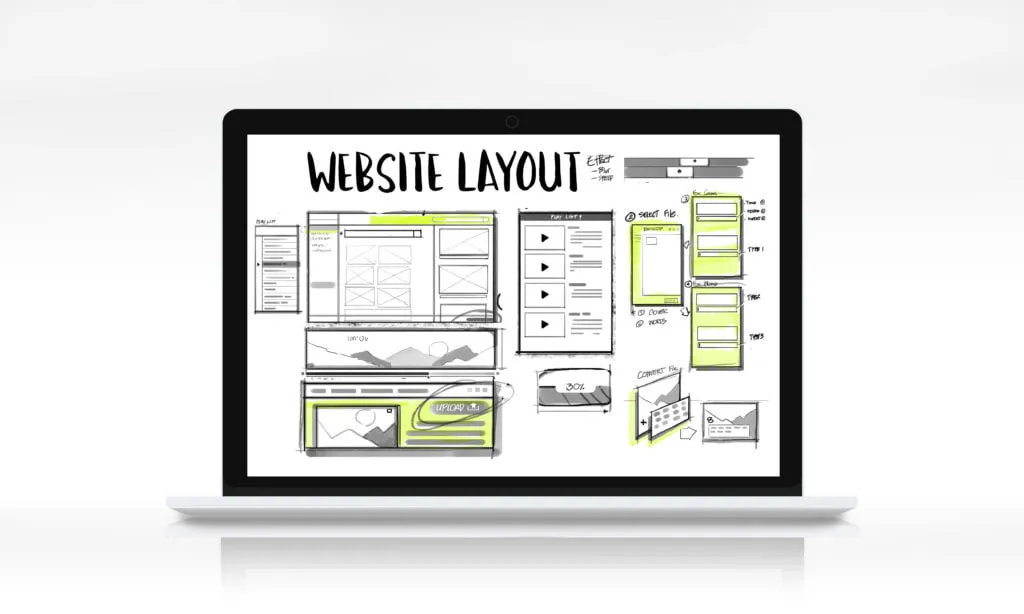
Website structure is how your pages are grouped and linked together. Get it right and three things happen: visitors find what they came for, search engines can crawl and index every page that matters, and the authority your site earns from links is shared sensibly across it.
This guide covers the common structures, how to plan yours, and how to create and submit an XML sitemap step by step.
Why structure matters for search
Search engines discover pages by following links. A page that nothing links to, or that sits six clicks deep, may be crawled rarely or not at all. Structure also sends signals: the pages you link to from your main navigation and from many other pages look more important than the ones you link to once.
It matters for visitors in the same way. Clear sections and labels let people move from a general question (“what do they offer?”) to a specific one (“how does their payroll service work?”) without hitting the back button.
And it now matters for AI search too. Assistants such as ChatGPT, Perplexity and Google’s AI Overviews find pages through the same crawling and indexing. A page with one clear topic, sensible headings and good internal links is easier for them to understand and quote. We cover that in more detail in our guide to SEO for AI search.
The four common site structures
Hierarchical. A pyramid: the home page at the top, main sections below it, then detail pages. This suits almost every business site, from a services firm to an online shop, because it mirrors how people think about what you offer.

Sequential. Pages follow a set order, like chapters in a book. It works for onboarding flows, courses and tutorials, where people should go step by step. It’s rarely right for a whole website.
Matrix. Pages link to each other in many directions and visitors choose their own path, mostly through search and in-text links. Wikipedia is the classic example. It works at huge scale with strong search, and confuses people on a smaller site.
Database-driven. Pages are generated from structured content, often filtered by tags and categories, as on news sites and large blogs. The underlying structure is usually still a hierarchy; the database decides which pages appear where.
For most companies the answer is a hierarchy, with a database-driven section for things like articles or products.
How to plan a better structure
1. Sketch the hierarchy before you build
List the main things a visitor needs: what you do, who you do it for, proof that it works, and how to get in touch. Those become your main sections. Detail pages go underneath. Aim for no more than three clicks from the home page to any important page.
Keep the number of main sections small. Five to seven is plenty for most sites; beyond that the navigation becomes a list people scan and ignore.
2. Make URLs follow the structure, but keep them short
A URL should tell people and search engines what the page is about: /services/payroll/ is better than /page?id=4821. Use words, separate them with hyphens, and leave out dates and filler words. Avoid nesting URLs deeper than the structure needs, because every reorganisation then means redirects.
3. Build navigation that matches how customers think
Label sections with the words your customers use, not your internal team names. A mega menu can help on a site with many services, as long as it stays organised. Make sure the main navigation is plain HTML links that work without JavaScript, so search engines can follow them.
4. Add breadcrumbs
Breadcrumbs are the trail of links near the top of a page (Home › Services › Payroll) that shows where a visitor is and lets them step back up a level. They help people orient themselves and give search engines another clear signal of your hierarchy. Mark them up with breadcrumb structured data so search engines read them reliably.

5. Link between related pages on purpose
Internal links are where most sites leave value on the table. When one page mentions a topic you cover in depth elsewhere, link to it with descriptive words, not “click here”. Link from strong pages (the home page, popular articles) to the pages you most want to rank. Check now and then for orphan pages that nothing links to.
6. Keep the design consistent
When the layout, navigation and labels stay the same from page to page, people learn your site quickly. Consistency also keeps templates simple, which tends to mean faster pages, another thing search engines reward.
How to create and submit an XML sitemap, step by step
An XML sitemap is a file that lists the pages you want search engines to find, with the date each one last changed. It doesn’t replace good internal linking, but it acts as a safety net: new pages get discovered faster, and you get a report showing which pages aren’t indexed and why.
Step 1: Decide what goes in. Include every page you want to appear in search: services, articles, product pages, key landing pages. Leave out thank-you pages, internal search results, login pages, duplicates and anything marked noindex. Every URL should be the final, canonical version: the https address, with or without the trailing slash exactly as your site uses it.
Step 2: Generate it automatically. Don’t maintain a sitemap by hand; it will drift out of date. Most platforms create one for you:
- WordPress: built in since version 5.5 at
/wp-sitemap.xml, or through an SEO plugin such as Yoast or Rank Math. - Shopify, Wix and Squarespace: created automatically at
/sitemap.xml. - Custom or headless sites: use your framework’s sitemap plugin so the file is rebuilt every time you publish.
Step 3: Check the file. Open it in a browser. You should see a list of <url> entries, each with a <loc> address and ideally a <lastmod> date. A single sitemap can hold up to 50,000 URLs or 50 MB; larger sites use a sitemap index that points to several files. Google’s sitemap guidelines cover the format in full. Keep lastmod honest: only change it when the page content really changes. Google ignores the old priority and changefreq fields, so don’t spend time on them.
Step 4: Point to it from robots.txt. Add one line to your robots.txt file so any search engine can find the sitemap:
Sitemap: https://www.example.com/sitemap.xmlStep 5: Submit it in Google Search Console and Bing Webmaster Tools. In Search Console, open Sitemaps, enter the sitemap address and select Submit. Do the same in Bing Webmaster Tools, which also feeds several AI assistants.
Step 6: Read the reports. After a few days, check the Pages report in Search Console. Pages listed as “Discovered, currently not indexed” or “Crawled, currently not indexed” usually point to a structure or quality issue: thin content, duplicates, or pages with too few internal links. Fix the cause rather than resubmitting.
A quick check for your own site
Open your site and try to reach your three most important pages from the home page. Count the clicks. Then search Google for site:yourdomain.com and see whether the pages that appear are the ones you’d want a new customer to land on.
If either answer surprises you, structure is a good place to start. It’s part of the groundwork we look at when we help companies with growth in the age of AI search.
Looking to optimize your website structure and SEO?
Hire top 3% web developers and SEO specialists on TEC to architect a high-ranking, fast-loading website.
Hire SEO & Web ExpertsFrequently Asked Questions
Which website structure is best for SEO?
Do I still need an XML sitemap if my site is small?
Should my URLs include categories?
Does site structure matter for AI search?
Expert contributor sharing insights on AI, talent, and the future of work.